
Invite Generator
Invitations need the right details and the right tone. Pick the kind of event, fill in who, what, when and where, choose a wording style and a design, and the invite generator creates a printable 5 × 7 inch invitation plus a short text version you can paste into a message or email. Nothing is uploaded, and there’s no sign-up.
- Free to use
- No sign-up
- Runs in your browser

Invitation generator
Invitation Template Pack
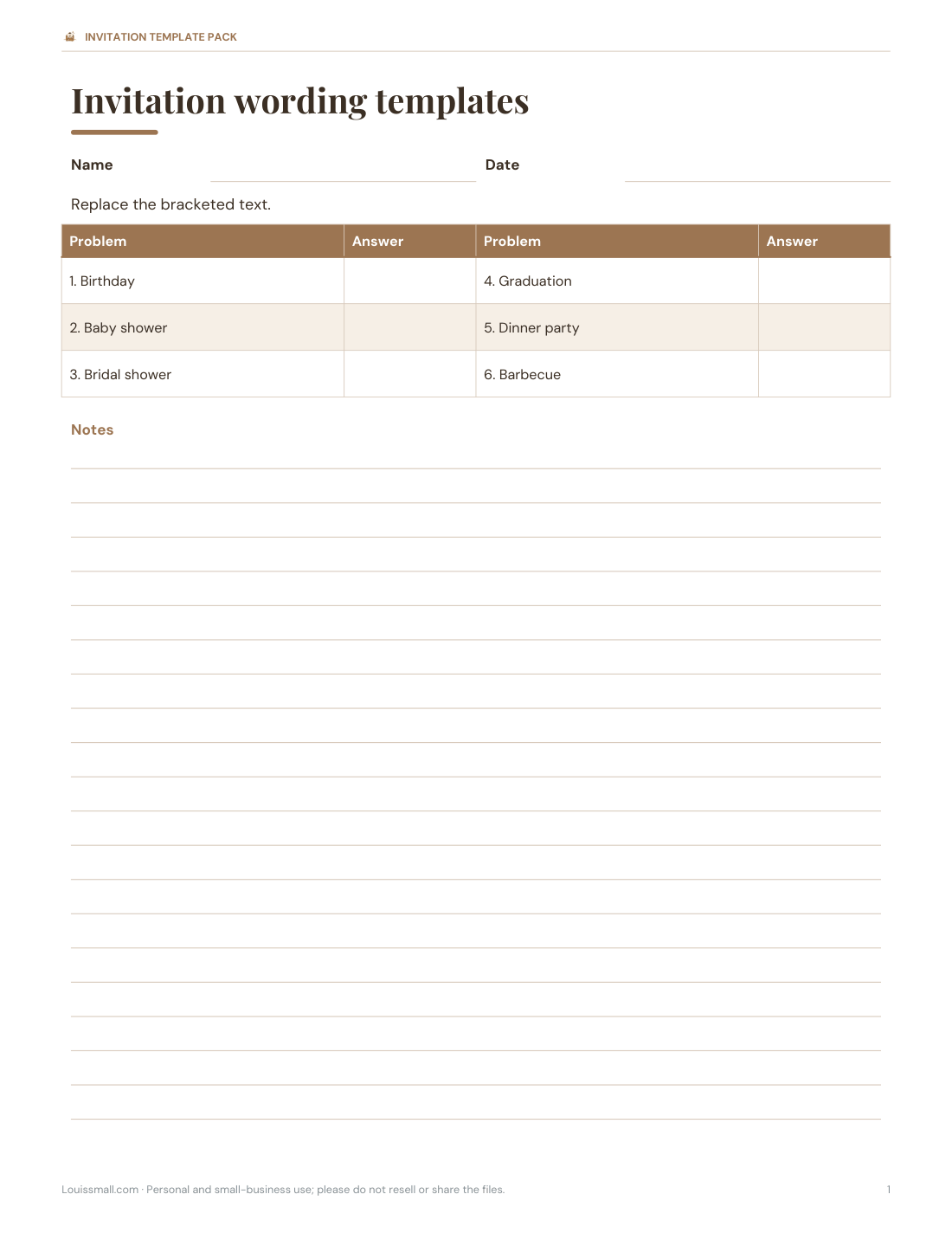
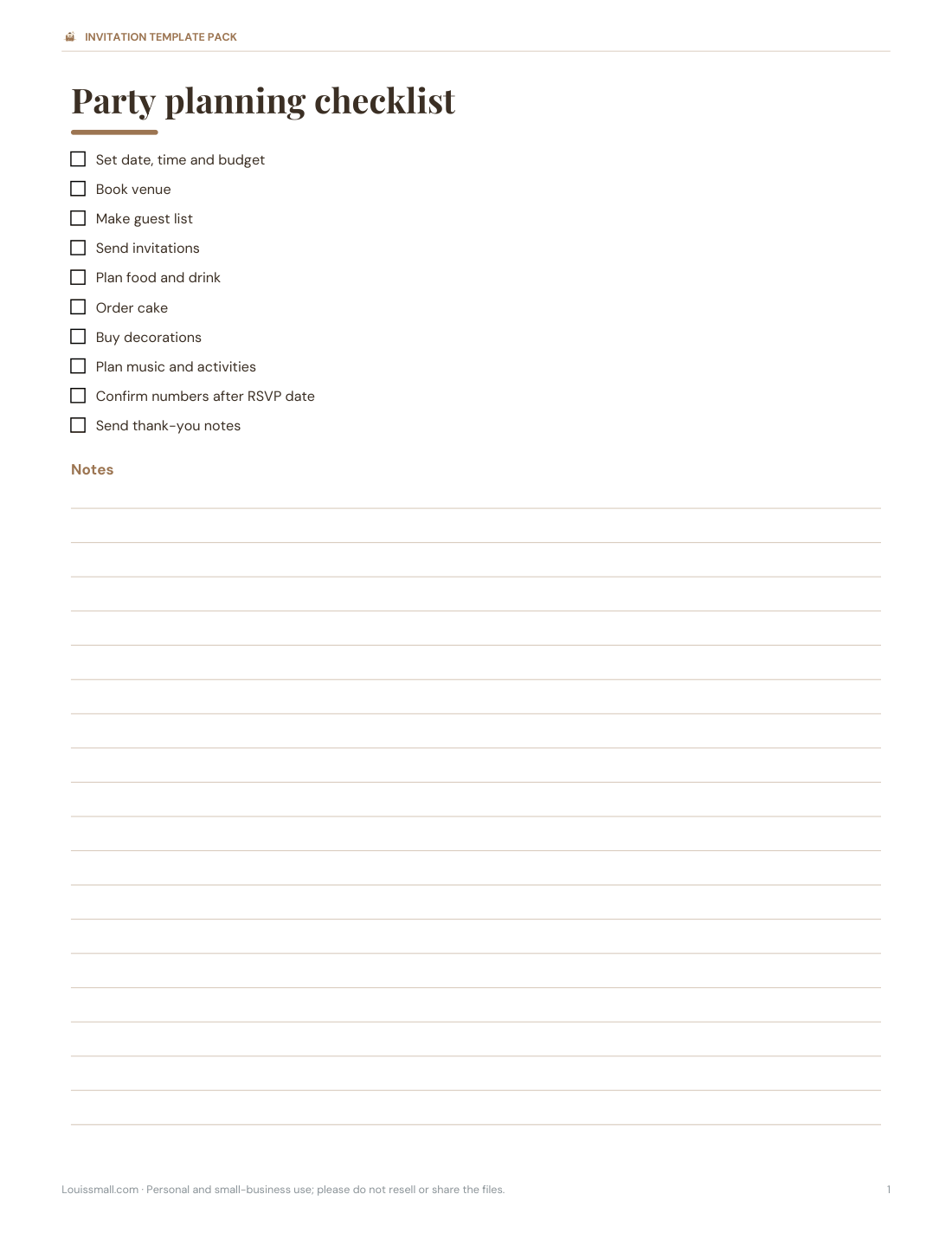
Editable Word invitation templates for six events, an Excel RSVP and guest tracker, a party planning checklist and timeline, thank-you cards and envelope address labels.
- Invitation templates (DOCX/PDF)
- RSVP tracker (XLSX)
- Planning checklist (PDF, DOCX)
- Thank-you cards (PDF)
Formats: PDF, DOCX, XLSX. Instant download after payment (link valid 72 hours, up to 5 downloads). AI-assisted: the templates were drafted with AI help and reviewed and laid out before publishing.
$5.00 USD, one-time 4 files · about $1.25 each
- Instant download
- 7-day refund
- Secure checkout by Stripe
7-day money-back guarantee. Full refund within 7 days of purchase, even after you download.
Free sample: Invitation Templates (PDF, 55 KB)
Full refund within 7 days — see the refund policy and license.
New · 5 files · PDF
Halloween Party Printables
Illustrated Halloween party printables: two invitations with fill-in details, tent place cards, treat-bag tags, two greeting cards and two coloring pages for kids.
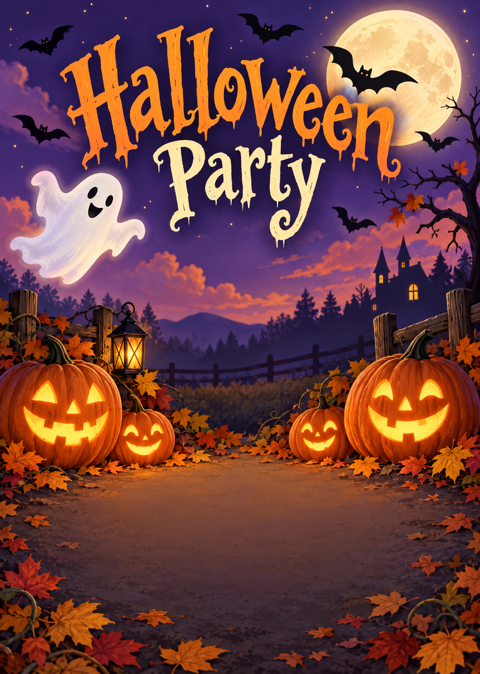
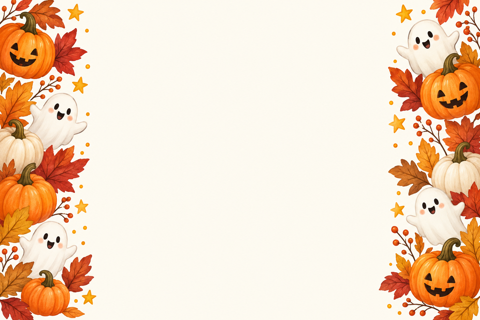
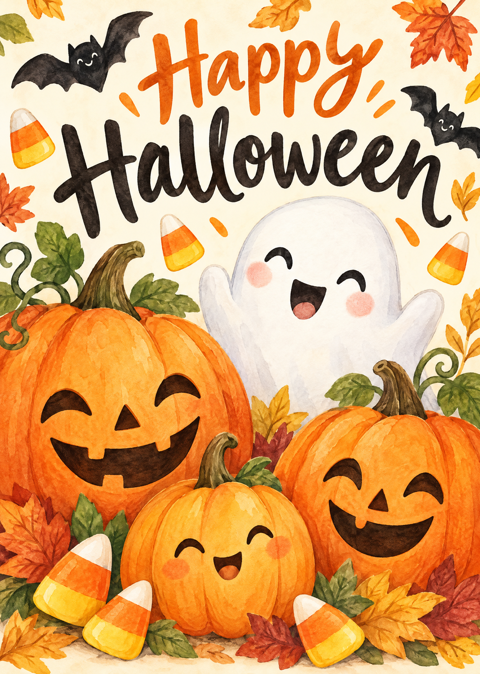
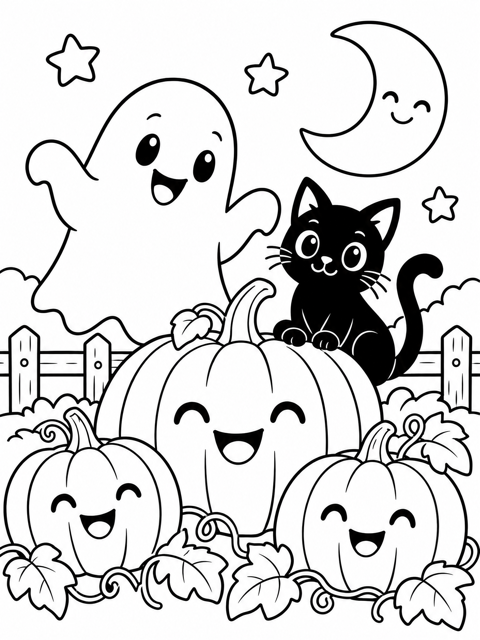
- 2 party invitations, 5x7, two per page (PDF)
- 2 place card designs, 4 per page (PDF)
- 1 sheet of treat-bag tags (PDF)
- + 2 more
$6.00 USD, one-time 5 files · about $1.20 each
- Instant download
- 7-day refund
- Secure checkout by Stripe
7-day money-back guarantee. Full refund within 7 days of purchase, even after you download.
Artwork created with AI image tools, then selected and laid out for print.
Free printables
Single sheets you can print right now, no sign-up. The full pack adds every sheet in one download plus the editable files.
 Printable Invitation Wording Templates
 Printable RSVP Guest Tracker
 Printable Party Planning Checklist
 Printable Thank You Cards
 Spider web string lights
 Halloween treat bags
 Halloween stickers for kids
 Halloween window clings
 Christmas party string lights
 Christmas treat bags
What every invitation needs
| Detail | Tip |
|---|---|
| Who | Who is hosting and who or what is being celebrated |
| What | The kind of event, so guests know how to dress and what to expect |
| When | Day of the week, date and start time; add an end time for children’s parties |
| Where | Full address, plus parking or entrance notes |
| RSVP | Who to reply to, how, and by when |
| Extras | Dress code, gift preferences, food, whether plus-ones or children are welcome |
If a detail isn’t on the invitation, expect a lot of messages asking about it.
Choosing wording
| Style | Example opening | Suits |
|---|---|---|
| Fun | “Let’s party!” | Birthdays, barbecues, casual get-togethers |
| Warm | “Join us to celebrate…” | Family events, showers, dinners |
| Formal | “The pleasure of your company is requested…” | Milestone birthdays, formal dinners, weddings-related events |
The generator writes a headline and a main line in the chosen style; you can edit the text version freely before sending.
How to use the invite generator
- Choose the event type and fill in the host or guest of honour, date, time, place and RSVP details.
- Pick a wording style and a design — confetti, botanical, minimal or night sky — and an accent colour.
- Check the printable 5 × 7 invitation preview.
- Print two per page on card stock, or download a PNG to send digitally or print at a photo shop.
- Copy the text version into a group message or email.
Everything happens in your browser; your guest details aren’t uploaded.
Worked example
Sam is throwing a 30th birthday party for Maya at a local venue. They choose Birthday, Fun wording and the confetti design in pink. The invitation reads “Let’s party! You’re invited to celebrate Maya’s 30th birthday”, with the date, a 7 pm start, the venue address and “RSVP Sam, 07700 900123, by 10 October”. Sam prints ten invitations on five sheets of card stock for relatives and pastes the text version into the friends’ group chat.
When to send invitations
| Event | Send invitations |
|---|---|
| Children’s birthday party | 2–3 weeks before |
| Adult birthday or dinner party | 3–4 weeks before |
| Baby or bridal shower | 4–6 weeks before |
| Graduation party | 3–4 weeks before (often after dates are confirmed) |
| Casual barbecue | 1–2 weeks before |
Set the RSVP date about a week before the event, or earlier if you need to confirm catering numbers.
Printing tips
- Use smooth card stock around 80–110 lb cover (215–300 gsm).
- Print one test on plain paper to check the colours.
- Choose “Actual size” so each invitation is exactly 5 × 7 inches.
- Cut with a paper trimmer for clean edges; A7 envelopes (5¼ × 7¼ in) fit 5 × 7 cards.
- For photo prints, download the PNG and order 5 × 7 prints.
Wording ideas by event
| Event | Line you might add |
|---|---|
| Birthday | “No gifts please — your company is the best present.” |
| Baby shower | “Bring your favourite children’s book instead of a card.” |
| Bridal shower | “Registry details inside — or just bring yourself.” |
| Graduation | “Open house — drop in any time between 2 and 5 pm.” |
| Dinner party | “Please let us know about any dietary needs.” |
| Barbecue | “Bring a chair and your appetite — we’ll supply the rest.” |
Choosing a design
Match the design to the event and the venue: confetti for lively birthdays, botanical greens for garden parties and showers, a clean minimal frame for dinners and formal occasions, and the night-sky design for evening parties and celebrations under the stars. Pick an accent colour from the party’s theme or decorations so the invitation, table and cake feel like one event.
Invitation etiquette
- Address the invitation to exactly who is invited — “The Smith family” means children too.
- Say clearly if the event is adults only.
- Mention if it’s a surprise, so guests keep the secret.
- Give a gentle reminder to anyone who hasn’t replied a few days before the RSVP date.
- Send thank-you notes within a couple of weeks of the event.
Digital invitations
The PNG and text version work well for messaging apps and email. Put the key details in the message text too — some people read notifications without opening images — and ask guests to reply to the message or a single contact so RSVPs don’t get lost. The RSVP tracker in the template pack keeps everything in one place.
The printable invitation templates
The template pack includes editable Word invitation templates for six event types, an Excel RSVP and guest tracker, a party planning checklist and timeline, thank-you note cards and envelope address labels.
Frequently asked questions
What should an invitation say?
Who is hosting, what the event is, when, where, and how to RSVP by a certain date.
What size are the invitations?
5 × 7 inches, two per US Letter page.
Can I send the invitation digitally?
Yes, download the PNG or copy the text version.
How far in advance should I send invitations?
Usually 2–6 weeks, depending on the event.
Can I change the wording?
Yes, choose a style and edit the text version.
Are my details uploaded?
No, everything stays in your browser.
Can I use the invitation for a surprise party?
Yes — add “It’s a surprise!” to the RSVP line so guests keep it secret.
What if I don’t know the venue yet?
Send a save-the-date first, then the full invitation once details are confirmed.
What envelope fits a 5 × 7 invitation?
An A7 envelope, 5¼ × 7¼ inches.